How to set up your online account
To view your property online or on mobile, simply follow a few easy steps to get set up. If you're letting a property with Miles & Barr, we’ll automatically create an account for you and register you on our system, so you’re ready to go without any extra hassle.
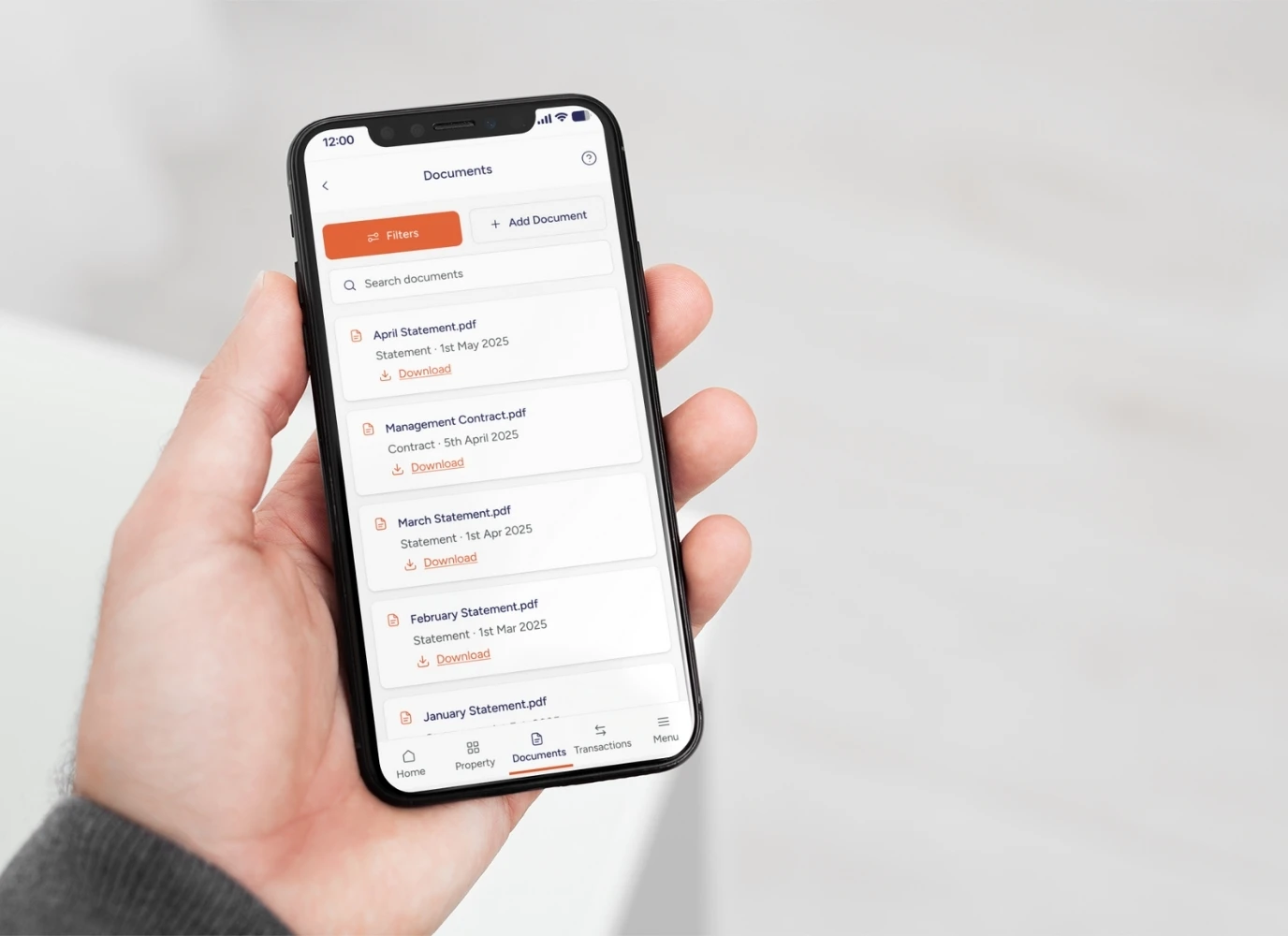
Once registered, you’ll have full access to manage your property from anywhere, whether it’s checking maintenance or reviewing statements. If you need assistance, we offer support over the phone, via email or through our guides.
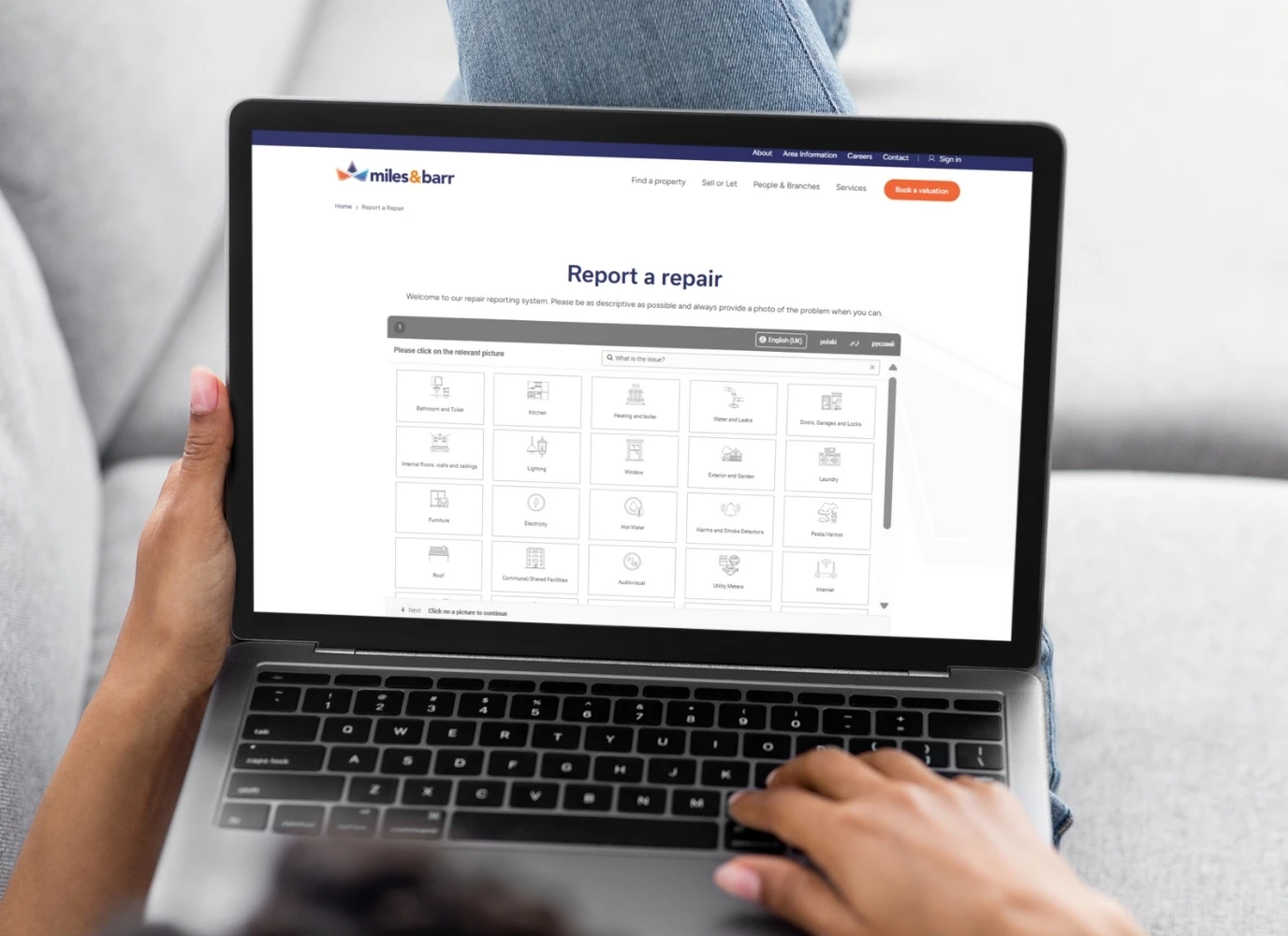
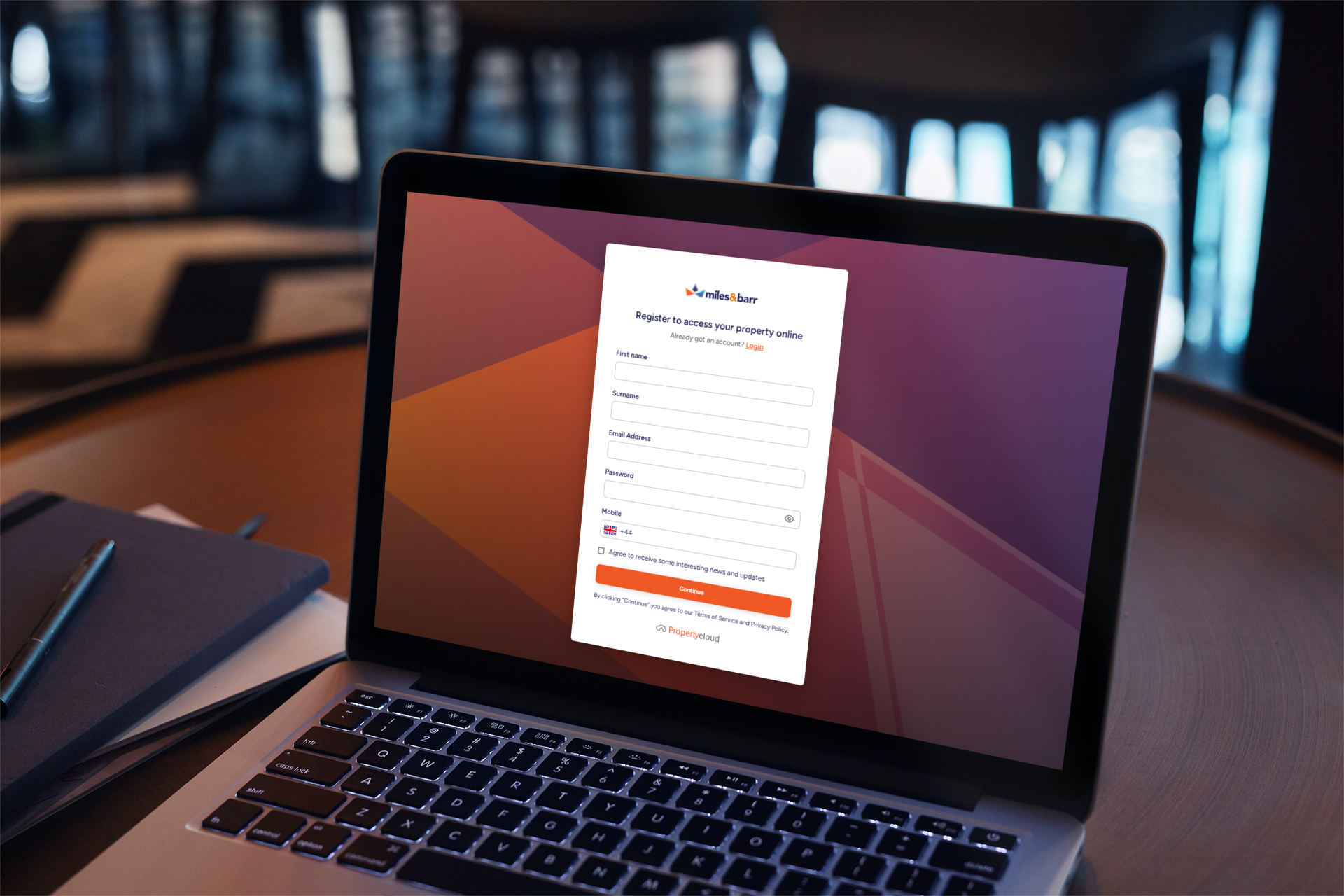
To get started, visit our website and click on the "Sign In" option. You’ll be prompted to enter your email address. If you are an existing customer and have already been registered in our branch, our system will ask you to reset your password upon logging in. New customers will need to enter their first name, surname, email address, password and mobile number, then click "Continue."
Please note that existing customers must use the email address linked to your account for logging in, as this is how we sync your properties to your account.
If you encounter any difficulties during the process, don’t hesitate to contact us for assistance.